The Eternal Debate
If you're building a multi-game arcade cabinet, one of the first questions you'll face is: what frontend do I use? The two heavyweights are RetroArch and LaunchBox (with its Big Box mode). After using both extensively, here's my take.
RetroArch
Pros:
Free and open source — no licensing costsUnified interface — one app, many "cores" (emulators)Cross-platform — runs on everything from a Raspberry Pi to a gaming PCShader support — CRT shaders that look absolutely stunningSave states & netplay — built right inCons:
Learning curve — the menu system is notoriously confusing for newcomersCore management — sometimes cores conflict or need specific BIOS filesAesthetics — the default XMB menu works but isn't the most visually exciting for an arcade cabLaunchBox / Big Box
Pros:
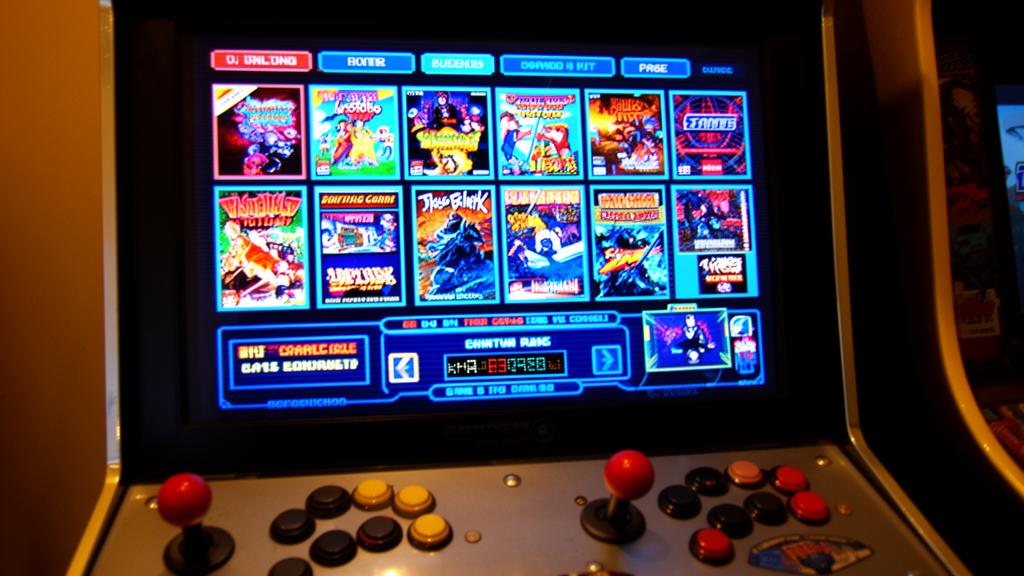
Gorgeous UI — Big Box mode is designed specifically for arcade cabinets and HTPCsMedia scraping — automatically downloads box art, screenshots, videos, and metadataOrganization — fantastic tools for managing large ROM librariesPlugin ecosystem — community themes and plugins extend functionalityEasy setup — much more intuitive than RetroArch for beginnersCons:
Paid software — the full Big Box license costs $50+ (worth it, but still)Windows only — no Linux or Pi supportResource heavy — needs a decent PC for smooth video previews and transitionsStill needs emulators — LaunchBox is a frontend, not an emulator — you still need RetroArch or standalone emulators behind itMy Setup
I ended up using both. Here's how:
LaunchBox/Big Box — is my primary frontend. It's what you see when the cabinet boots up. The visual presentation is unbeatable for an arcade experience.RetroArch — runs behind the scenes as the emulator for most systems (NES, SNES, Genesis, arcade via MAME core).For some systems, I use standalone emulators launched through LaunchBox (Dolphin for GameCube, PCSX2 for PS2).The Verdict
If you want the best looking arcade experience with minimal fuss: LaunchBox + Big Box.
If you want maximum compatibility on any hardware and don't mind tinkering: RetroArch.
If you want the best of both worlds: use them together.
The real answer is that they complement each other perfectly. LaunchBox handles the presentation, RetroArch handles the emulation. It's a powerful combo.